Workspace Resources
Manage shared resources — test drivers, equipment, and facilities — across all projects.
The workspace resources hub gives you a central place to manage resources that are shared across multiple projects. Currently, the primary shared resource type is test drivers.
Accessing the Resources Hub
Navigate to Resources in the workspace header navigation.
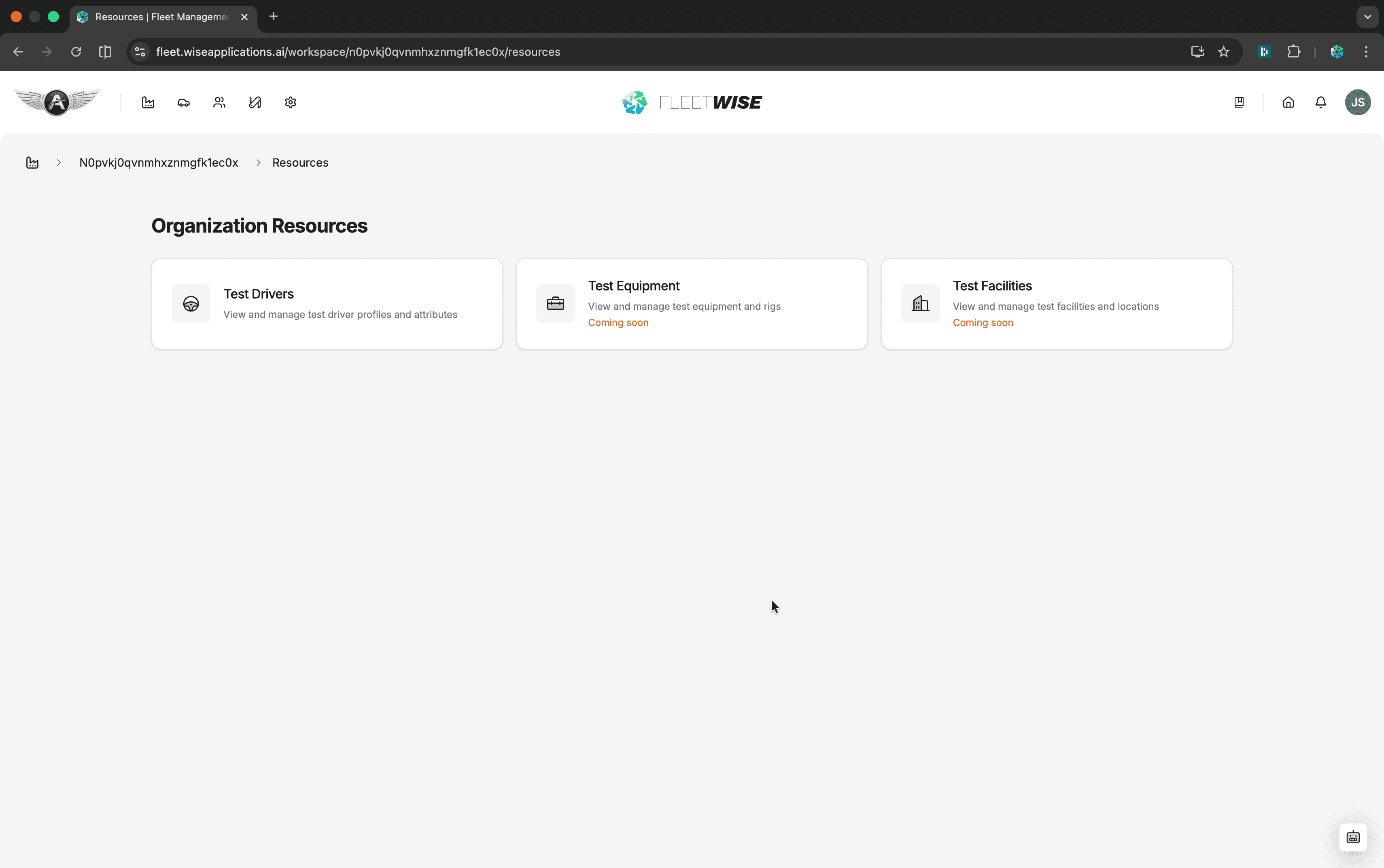
Test Drivers
The test drivers section lists all drivers registered at the workspace level. These drivers can be assigned to any project's usage plans.
| Column | Content |
|---|---|
| Name | Driver display name |
| Status | Active or Inactive |
| Availability | Current availability status |
| Projects | Projects the driver is assigned to |
Adding a Test Driver
Click + Add Driver to assign the Test Driver ability to an existing workspace user. Once assigned, they appear in the test driver pool and can be scheduled for shifts in usage plans.
Editing a Test Driver
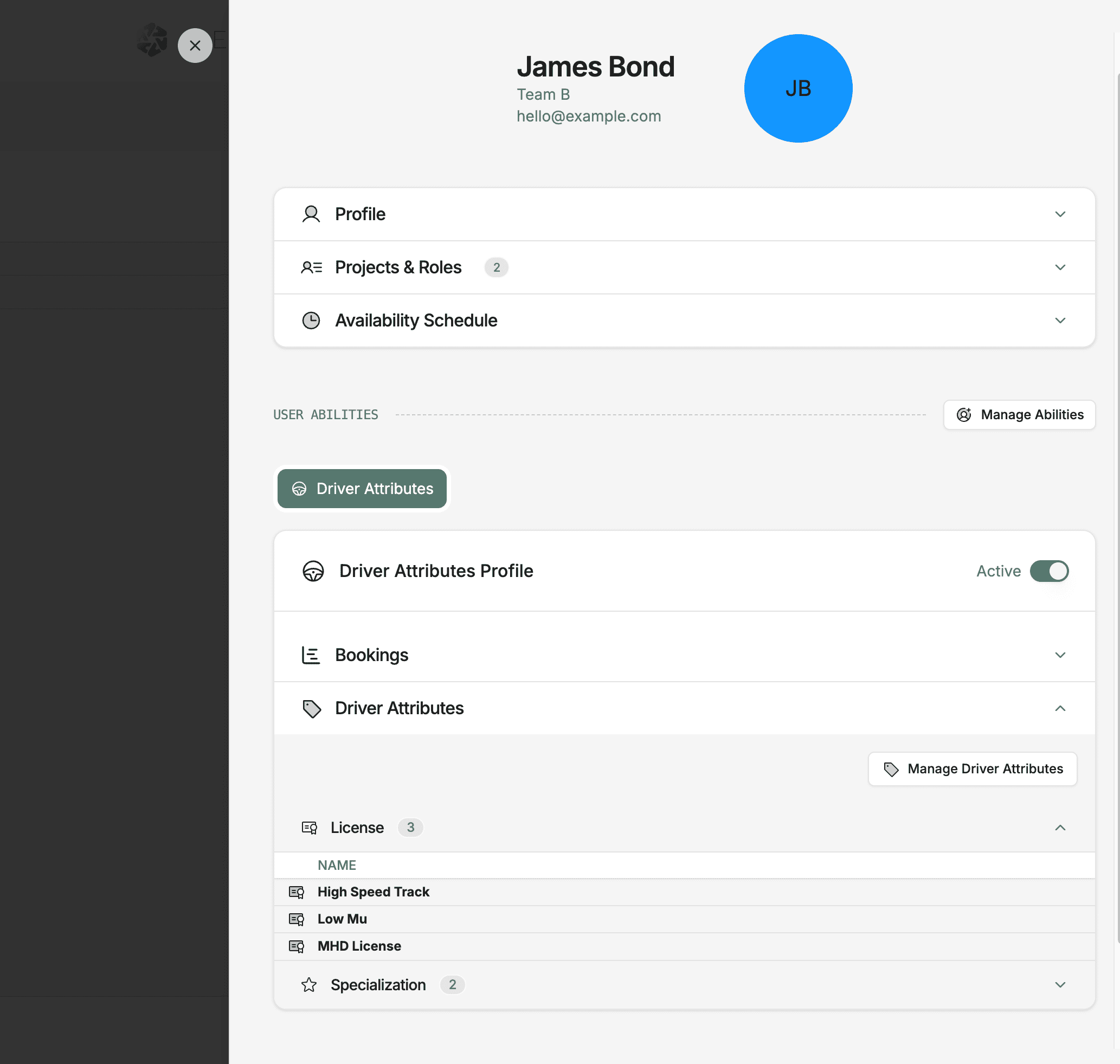
Click a driver row to open the detail view where you can update their information, manage availability overrides, and see their shift history across projects.
Project-Level Drivers
Test Driver is a user ability assigned to existing workspace users. The ability is granted at workspace level, then the driver is activated per project where they are needed. See Test Drivers for more detail.
Coming Soon
Additional workspace resource types are planned:
- Test Equipment — shared test rigs and equipment tracking
- Test Facilities — facility booking and availability