Oscar (AI Assistant)
What Oscar can help with, how to use it, and where to find it in Fleetwise.
Oscar is the Fleetwise AI assistant. It answers operational questions about your fleet using natural language — vehicle availability, allocation status, spec lookups, and platform help. Oscar retrieves information and offers guidance but does not make changes in the product.
Where to Find Oscar
Oscar is accessible from the AI Assistant panel in the sidebar. Click the Oscar icon to open the chat interface. Oscar has context about your current workspace and project.
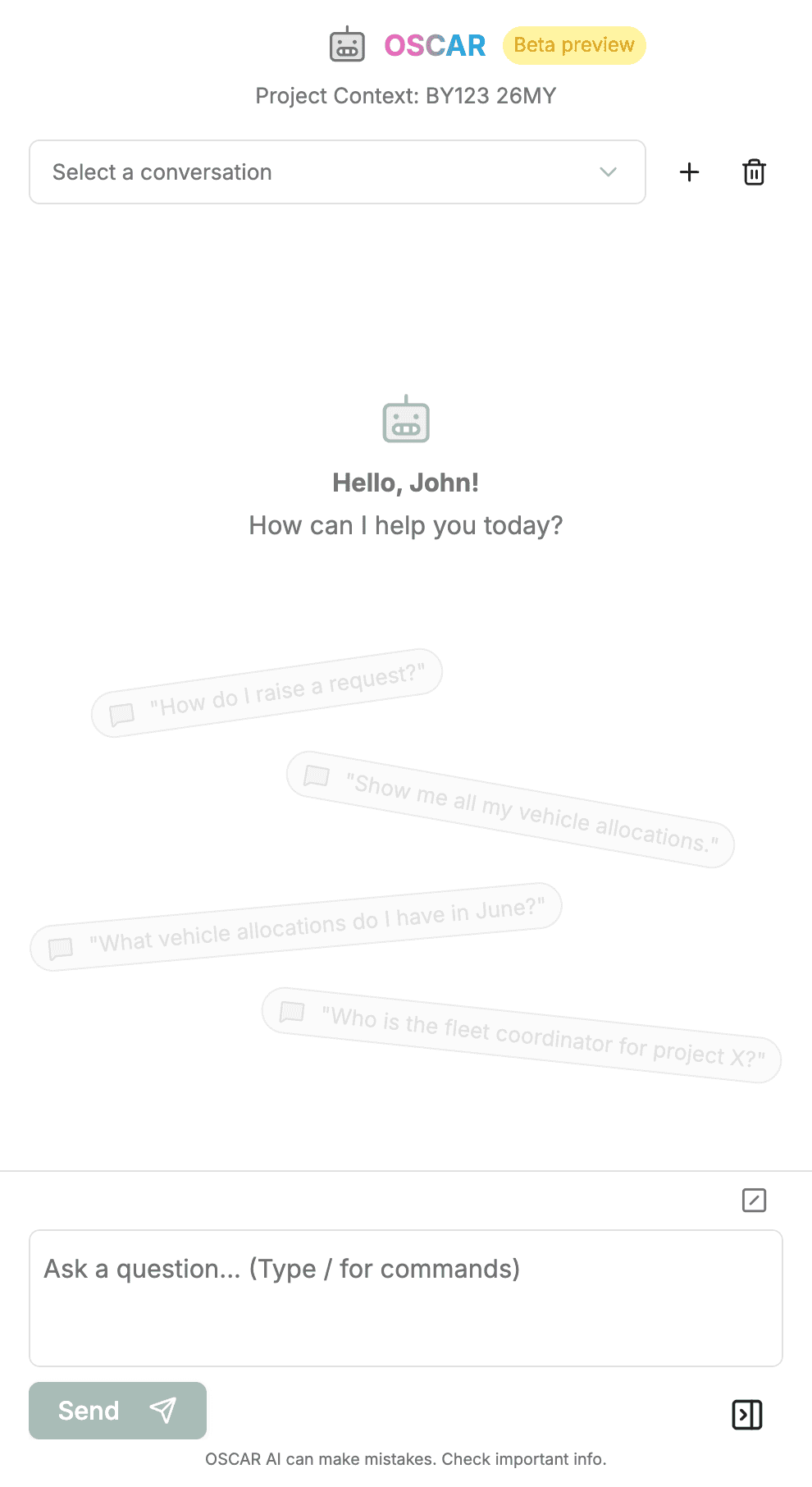
What Oscar Can Do
Fleet Queries
"Which vehicles are available next week?", "How many vehicles match ADAS High specs?"
Status Checks
"What is the status of request #1234?", "Show my current allocations"
Statistics
"What percentage of our fleet is allocated today?", "Which team has the most active allocations?"
Platform Help
"How do I submit a vehicle request?", "How does allocation status change from tentative to active?"
How to Use Oscar
- Type your question in natural language — no special syntax required.
- Review Oscar's response. It may include data tables, lists, or explanations.
- Ask follow-up questions to narrow or expand the results.
- Take action in the UI based on what you learn.
What Oscar Does Not Do
Oscar is read-only. It retrieves information and explains workflows, but it does not submit requests, confirm allocations, or make changes in Fleetwise for you. Treat Oscar as decision support and validate critical actions in the UI.